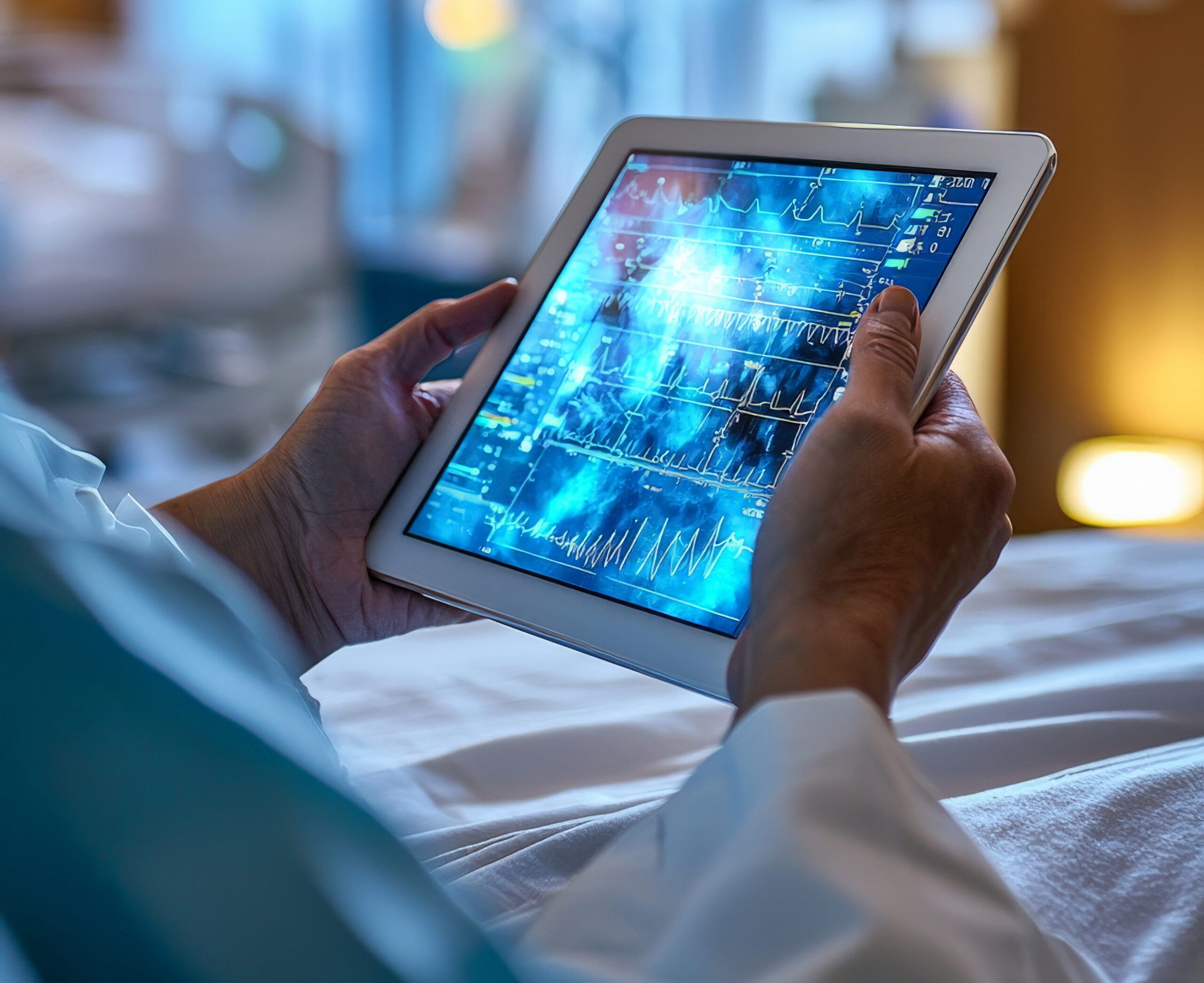
EMR Software With Telehealth: A Practical Guide to Connecting Virtual and In-Person Care
You’ve probably already juggled a patient’s chart in one window and a video-visit link in another, hoping nothing gets lost between the two. That gap between your EMR software and your virtual care tools is exactly where documentation errors, missed follow-ups, and administrative drag creep in. In this guide, we’ll explain how EMR software with telehealth works, which features actually matter, and how to choose a platform that connects virtual care with the complete patient journey.
Key Takeaways
- EMR software with telehealth combines electronic medical records and virtual care capabilities in a connected healthcare workflow.
- Integrated EMR and telehealth systems can reduce duplicate data entry and help providers access patient information during virtual consultations.
- Essential capabilities include secure video visits, clinical documentation, scheduling, patient portals, e-prescribing, billing workflows, and healthcare integrations.
- Security features such as encryption, authentication, role-based access, audit trails, and access controls are important when evaluating telehealth-enabled EMR software.
- The right EMR with telehealth should match a practice’s specialty, workflows, patient needs, integration requirements, and growth plans.
- Successful implementation requires workflow planning, staff training, testing, and ongoing measurement of adoption and operational performance.
- An integrated platform can connect virtual consultations with the broader patient record instead of treating telehealth as a separate workflow.
What Is EMR Software With Telehealth?
EMR software with telehealth is a healthcare platform that combines electronic medical record management with virtual consultation capabilities in a connected clinical workflow. Instead of running a records system and a video-conferencing tool side by side, providers work inside one platform that ties both functions together.
First, the EMR component stores patient history, medications, allergies, lab results, and encounter notes in a structured digital record. Second, the telehealth component lets providers launch secure video visits, message patients, and share documents without leaving that same record. As such, a physician can open a patient’s chart, start a video consultation, document the encounter, and issue a prescription — all inside a single EMR software environment.
This is different from simply owning two separate applications that happen to serve the same clinic. Moreover, integrated platforms typically sync appointment data, clinical notes, and billing codes automatically, which removes the need to re-enter information across systems. For example, a family medicine practice using a connected platform can pull a patient’s last three visit notes into the video-consultation window in real time, giving the provider full context before the call even starts.
Many practices researching this category also look for a broader electronic medical records software overview to understand baseline EMR functionality before evaluating telehealth add-ons. That foundational understanding matters because telehealth quality depends heavily on how well the underlying EMR is built. Ultimately, the strength of the record-keeping system determines how useful the virtual care layer becomes.
Why Is Integrating Telehealth With an EMR Important?
Integrating telehealth with an EMR matters because it reduces fragmented workflows and gives providers immediate access to patient information during virtual encounters. When these systems are separate, staff must manually transfer notes, verify identities across two logins, and reconcile scheduling conflicts.
At the same time, fragmented systems create real clinical risk. A provider without immediate access to a patient’s medication list during a video visit may miss a drug interaction that would have been visible in a unified chart. Telehealth EMR software closes that gap by keeping the clinical record and the virtual visit in the same workflow.
For example, a behavioral health clinic that switched from standalone video software to an integrated telehealth software module reported fewer scheduling errors because appointment changes updated both the calendar and the video link automatically. In addition, front-desk staff no longer needed to manually reconcile two separate calendars, which freed up time for patient-facing work.
Plus, continuity of care improves when a patient’s virtual visit notes automatically populate their permanent chart. This matters especially for chronic-disease management, where a provider needs a full history — not just the notes from the last video call — to make sound clinical decisions. By connecting these workflows, practices can reduce the administrative burden that contributes to provider burnout.
A telehealth-enabled EMR can reduce workflow fragmentation by connecting virtual consultations with the patient’s broader clinical record and related administrative processes. That single sentence captures why so many practices are actively replacing disconnected systems in 2026.
What Features Should EMR Software With Telehealth Include?
The most important features of telehealth-enabled EMR software include secure video consultations, clinical documentation, appointment scheduling, patient portals, e-prescribing, billing workflows, integrations, and access controls. Evaluating a platform without this checklist often leads to costly gaps discovered after go-live.
Core Clinical and Scheduling Features
First, electronic medical records functionality should support structured templates, problem lists, and specialty-specific documentation. Second, secure video consultations need to run reliably on both desktop and mobile without requiring patients to download separate apps. Third, appointment and scheduling management should sync automatically with provider calendars to prevent double-booking.

Patient portals round out this group by giving patients a place to view results, request refills, and message their care team. For example, a pediatric practice might use portal messaging to handle routine questions that don’t require a full visit, reducing unnecessary appointments.
Documentation, Prescribing, and Billing Features
Clinical documentation tools should let providers capture encounter notes during or immediately after a virtual visit, ideally supported by AI-powered clinical documentation that reduces manual typing. E-prescriptions allow providers to send prescriptions directly to a pharmacy from within the same encounter, which is especially valuable during telehealth visits where a paper prescription isn’t practical.
Medical billing and claims workflows need to capture telehealth-specific billing codes correctly, since incorrect coding is a common source of claim denials. According to a 2024 industry analysis, telehealth claim denial rates were nearly double those of in-person visit claims when practices used disconnected systems — Source: MGMA, 2024. A connected medical billing software module reduces this risk by applying the correct modifiers automatically.
Integration and Communication Features
Lab and diagnostic integration lets providers order and review results without switching systems, which matters most for specialties like cardiology and endocrinology that rely on frequent lab monitoring. Provider-to-provider communication tools support referrals and care coordination, while automated notifications and reminders reduce no-show rates for both virtual and in-person visits.
| Feature Category | What to Look For | Why It Matters |
|---|---|---|
| Video Consultations | Browser-based, no app download, screen sharing | Reduces patient drop-off before visits |
| Clinical Documentation | Templates, voice-to-text, specialty fields | Speeds up charting during virtual visits |
| E-Prescribing | Direct pharmacy routing, controlled substance support | Avoids delays in patient treatment |
| Billing & Claims | Telehealth-specific CPT/modifier support | Reduces claim denials |
| Patient Portal | Secure messaging, results access, intake forms | Improves patient engagement |
| Security | Encryption, RBAC, audit logs | Protects patient data and supports compliance |
Finally, patient intake and digital forms should be completable before the visit, and reporting and analytics should give administrators visibility into utilization, no-show rates, and provider productivity. Together, these categories form the baseline checklist for any serious evaluation.
How Does EMR Software With Telehealth Work?
EMR software with telehealth works by connecting scheduling, virtual consultation, documentation, prescribing, and billing into one continuous workflow. Understanding this sequence helps administrators map their current processes against a new platform before purchase.
- Scheduling and registration — The patient books an appointment online or by phone, and the system confirms whether the visit will be virtual or in-person.
- Pre-visit intake — The patient completes digital intake forms, and the provider reviews the chart before the encounter begins.
- Virtual consultation — The provider launches a secure video visit directly from the patient’s record.
- Clinical documentation — The provider documents the encounter in real time or immediately afterward using structured templates.
- E-prescription and orders — The provider sends prescriptions or lab orders electronically from the same screen.
- Billing and claims submission — The system applies appropriate telehealth billing codes and submits the claim.
- Follow-up and record storage — Visit notes, prescriptions, and billing data are stored permanently in the patient’s unified chart.
For example, an urgent care clinic running this workflow can complete registration, a 12-minute virtual visit, documentation, and claim submission within a single appointment slot, without staff re-entering data at any step. That is the practical advantage of an EMR software with telehealth built as one system rather than two.
What Are the Benefits of Using an EMR With Telehealth?
The benefits of using an EMR with telehealth include improved access to patient information, fewer duplicate data-entry tasks, better continuity of care, and streamlined administration. These benefits extend across providers, patients, and the organization as a whole.
For providers, the biggest gain is time. A 2023 survey found that physicians using integrated EMR-telehealth platforms spent roughly 20% less time on administrative documentation compared to those using separate systems — Source: American Medical Association, 2023. That time savings comes directly from not having to re-enter the same patient data twice.
For patients, convenience is the clearest benefit. Patients can book, attend, and follow up on a virtual visit without navigating multiple logins or portals. Moreover, centralized documentation means a patient’s virtual and in-person visits form one continuous history instead of two disconnected records.
For healthcare organizations, the benefit shows up in administrative overhead. Front-desk and billing staff spend less time reconciling records between systems, and reporting becomes more accurate because all encounter data lives in one database. As such, leadership gets a clearer picture of provider productivity and patient volume across both care modes.
How Does Telehealth Integration Improve Clinical Workflows?
Telehealth integration improves clinical workflows by giving providers real-time access to the patient’s full record during a virtual encounter, rather than a partial view. This directly affects clinical decision-making, not just administrative convenience.
For example, a provider treating a patient with diabetes during a telehealth follow-up can review recent lab trends, medication adherence notes, and prior visit summaries within the same screen used for the video call. That level of context is difficult to replicate when a clinician has to toggle between a video app and a separate records system.
In addition, integrated workflows reduce the risk of documentation gaps. When notes are captured directly inside the patient’s chart during the visit, there’s less chance that details get lost between the call and the write-up. This consistency becomes especially valuable for practices managing high patient volumes across multiple providers.
Is Telehealth EMR Software Secure for Patient Data?
Telehealth EMR software can be secure for patient data when it includes strong technical safeguards such as encryption, authentication, and access controls — though security depends on the specific platform’s implementation, not the category as a whole. No software is automatically compliant simply because it offers telehealth features.
It’s worth noting that compliance claims should always be evaluated against a specific regulatory framework, such as HIPAA in the United States, rather than accepted as a general marketing statement. A vendor should be able to explain exactly which safeguards support which regulatory requirement, and provide documentation such as a Business Associate Agreement where applicable.
What Security Features Should You Look for in a Telehealth EMR?
First, look for end-to-end encryption for both stored data and data in transit during video visits. Second, confirm the platform supports multi-factor authentication for provider and staff logins. Third, check for role-based access control, which limits what each staff member can view based on their job function.
Audit logs matter too, since they create a record of who accessed a patient’s chart and when. Consent management tools should let patients formally agree to virtual care terms before their first visit. For a deeper look at these safeguards, see this guide on healthcare data security.
Practices evaluating vendors should also review published security certifications and ask directly how the platform supports HIPAA-compliant telehealth requirements rather than accepting a generic compliance badge at face value. A serious healthcare software vendor will document its safeguards rather than simply asserting compliance.
How Does EMR Software Support Virtual Consultations?
EMR software supports virtual consultations by giving providers direct access to the patient’s chart, documentation tools, and prescribing functions during the video call itself. This turns the visit into a fully documented clinical encounter rather than an informal conversation.
For example, during a dermatology telehealth visit, a provider can pull up prior photos from the patient’s chart, compare them against a live video feed, and document findings in real time. That kind of side-by-side access is only possible when the EMR and the video tool share the same interface.

Additionally, automated visit summaries can be generated after the call and shared with the patient through the portal. This reduces the manual work of writing a separate after-visit summary and ensures the patient receives consistent, accurate information.
How Do You Choose the Best EMR Software With Telehealth?
Choosing EMR software with telehealth involves evaluating clinical workflows, telehealth functionality, security, interoperability, usability, scalability, integrations, implementation support, and total cost. Skipping any one of these categories often leads to a platform that looks good in a demo but fails in daily use.
Specialty and Workflow Fit
First, confirm the platform supports your specialty’s documentation templates and clinical workflows. A behavioral health practice, for instance, needs different intake and session-length settings than an orthopedic clinic. Second, map your current patient journey — from booking to follow-up — and check whether the platform matches each step without requiring workarounds.
Interoperability and Integrations
Healthcare interoperability determines whether the platform can exchange data with labs, pharmacies, imaging centers, and other systems your practice already uses. Confirm the vendor supports standard data exchange formats and ask for a list of existing integration partners. Read more in this guide on healthcare interoperability.
Usability, Scalability, and Support
Usability affects adoption more than any other factor. If staff find the system difficult to navigate, workarounds and errors follow quickly, so request a hands-on trial with front-line staff before committing. Scalability matters if your practice plans to add providers, locations, or specialties, since switching platforms later is costly and disruptive.
Implementation support and training should be part of the contract, not an afterthought. Ask vendors directly how long a typical EMR implementation takes for a practice your size, and what support is available during the transition. Vendor reputation, verified through independent reviews and references from similarly sized practices, rounds out the evaluation.
Practices should treat pricing as one factor among many, not the deciding one, since a cheaper platform that requires workarounds often costs more in lost time.
How Much Does EMR Software With Telehealth Cost?
EMR software with telehealth typically costs between roughly $200 and $700 per provider per month, depending on the vendor, feature set, and practice size. Pricing structures vary widely, so it’s worth understanding the common models before requesting quotes.
Most vendors price per provider per month, though some offer flat organizational rates for larger groups. Additional costs can include implementation fees, staff training, and add-on modules such as advanced analytics or specialty-specific templates. A 2024 report on healthcare software spending noted that implementation and training costs for mid-sized practices commonly add 10–20% on top of the annual subscription fee — Source: KLAS Research, 2024.
When comparing quotes, ask vendors to itemize which features are included in the base price versus billed as add-ons. This prevents a low headline price from expanding significantly once telehealth, e-prescribing, or billing modules are added separately.
What Is the Difference Between EMR With Telehealth and Standalone Telehealth Software?
The difference between an EMR with telehealth and standalone telehealth software is that the former stores the video visit and clinical documentation in one unified patient record, while the latter operates as a separate video tool that must be manually connected to the EMR. This distinction affects both daily workflow and long-term data accuracy.
Standalone telehealth software can work well for practices that only need occasional virtual visits and already have a strong EMR that doesn’t offer native video. However, it requires staff to manually copy notes between systems, which increases the chance of documentation errors. An integrated platform removes that manual step entirely, which is why most growing practices eventually consolidate onto one system.
Can EMR Software With Telehealth Integrate With Other Healthcare Systems?
EMR software with telehealth can integrate with other healthcare systems, including labs, pharmacies, imaging providers, and billing clearinghouses, when the platform supports standard healthcare data exchange protocols. This connectivity is what allows a practice to avoid manual data re-entry across its broader technology stack.
For example, a multi-specialty clinic might connect its EMR with an external imaging center so that radiology results appear directly in the patient’s chart without staff downloading and uploading files manually. That kind of integration reduces turnaround time and lowers the risk of results being missed or delayed.
How Can a Medical Practice Implement EMR and Telehealth Successfully?
A medical practice can implement EMR and telehealth successfully by defining requirements, mapping existing workflows, and testing the platform with real staff and patients before a full rollout. Rushing implementation is one of the most common reasons practices struggle after go-live.
- Define requirements — List must-have features based on specialty, patient volume, and current pain points.
- Map current workflows — Document exactly how patients move from scheduling through follow-up today.
- Shortlist platforms — Narrow choices to two or three vendors that meet your core requirements.
- Request demonstrations — Have front-line staff, not just administrators, attend live demos.
- Evaluate integrations — Confirm the platform connects with your labs, pharmacy network, and billing clearinghouse.
- Test the patient and provider experience — Run a small pilot with a handful of real appointments before full rollout.
- Train staff — Schedule structured training sessions rather than relying on self-guided learning alone.
- Run a pilot and measure outcomes — Track adoption rates, documentation time, and patient satisfaction during the first 60–90 days.
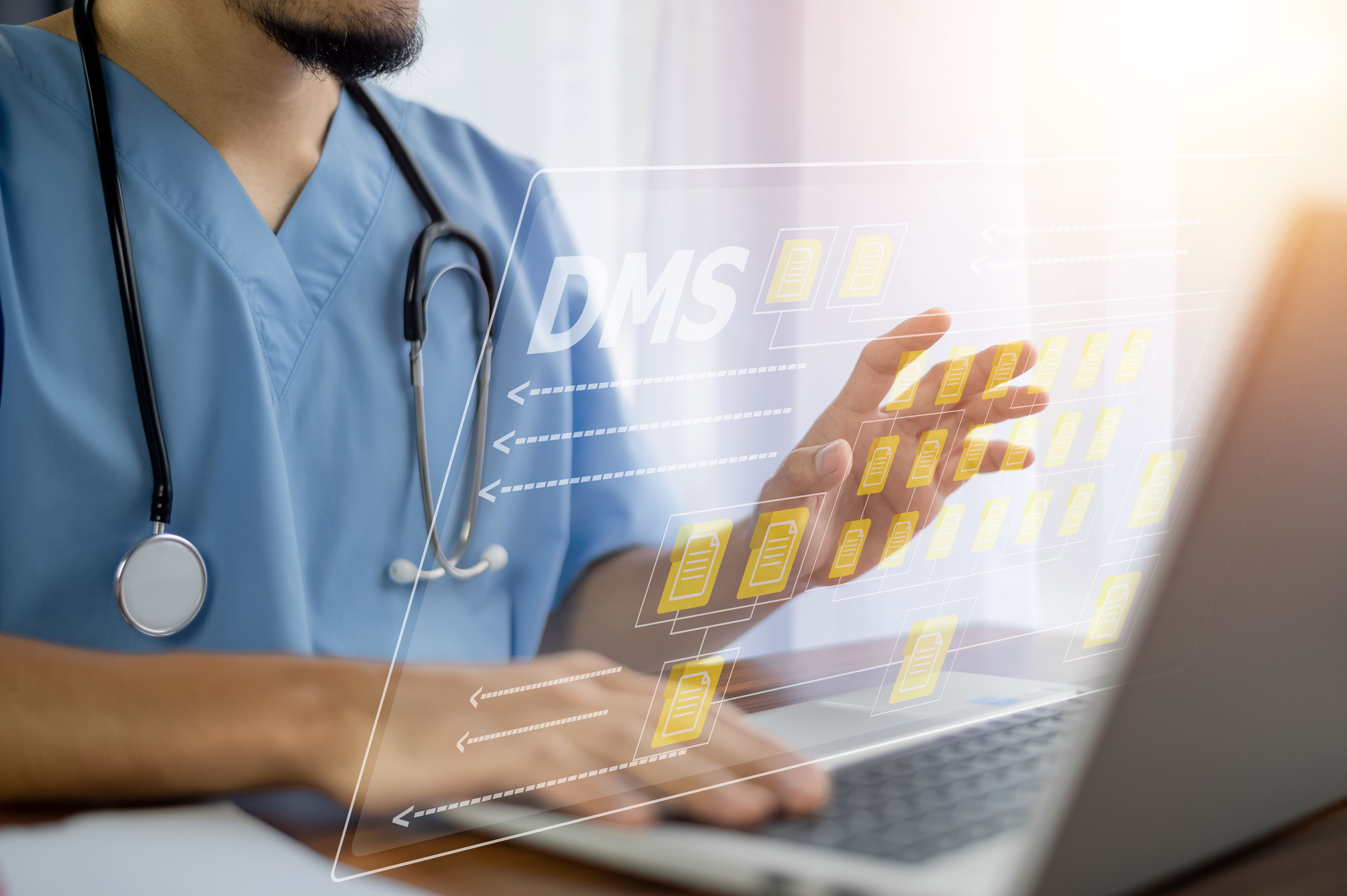
By following this sequence, practices reduce the risk of staff resistance and data-migration errors that commonly derail software transitions. Measuring adoption in the first few months also gives leadership the data needed to fine-tune training or workflows before problems become entrenched.
Conclusion: Build a More Connected Healthcare Workflow
The strongest EMR with telehealth is not the platform with the longest feature list. It’s the one that connects clinical documentation, virtual care, patient engagement, and administrative workflows inside a single, secure, and usable system. EMR software with telehealth is a healthcare platform that combines electronic medical record management with virtual consultation capabilities in a connected clinical workflow, and that connection is what ultimately reduces administrative burden and improves continuity of care.
If your practice is still juggling separate systems for records and virtual visits, now is a reasonable time to map your workflows, shortlist a few platforms, and request a hands-on demo before your next contract renewal.
Written by Dreams Technologies Content Team — Healthcare IT Solutions Writers with experience covering EMR, EHR, and telehealth software for clinical and administrative audiences.
Disclaimer: This article was initially drafted using AI assistance. However, the content has undergone thorough revisions, editing, and fact-checking by human editors and subject matter experts to ensure accuracy.
Chat with Doccure
Talk to our team on WhatsApp
Hi there 👋 Questions about demos, pricing, white-label or a custom build? Pick a topic and we'll continue on WhatsApp.
What can we help with?